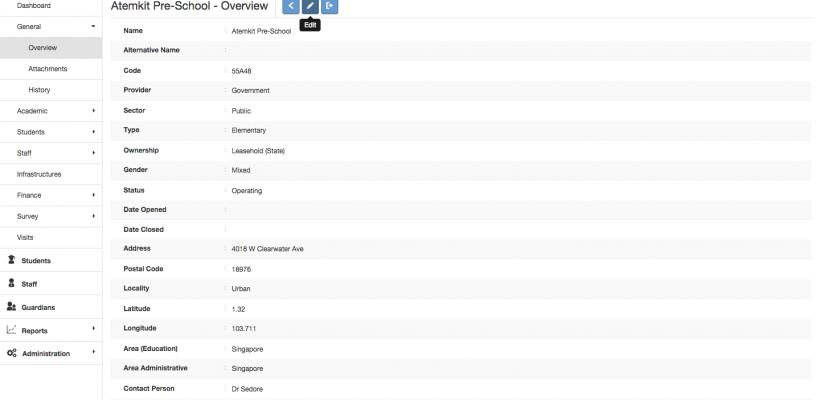
Editing School General Information

Editing School General Information

Once you’ve logged in and have clicked the institution you are looking for, the Overview feature displays an overview of the profile for the selected institutional site. Click Edit to change any of the profile details. Click Export to generate an excel report with. The fields in the overview such as Sector or Type determine how an Institution will be filtered using the Advanced Search.
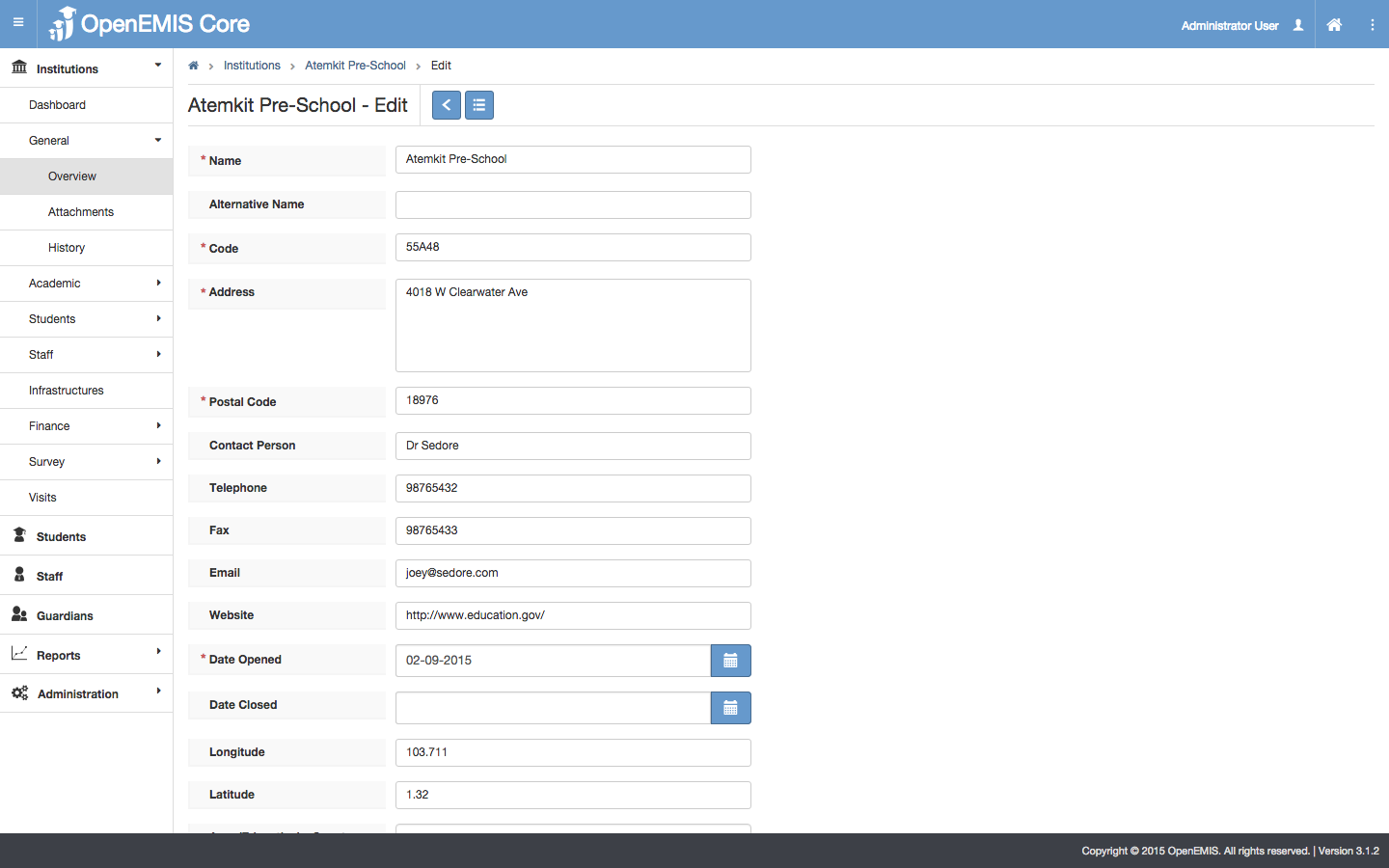
editing overview information

    • Related Articles

    • Indexes/Out of School

      Name: OpenEMIS Core Article Name: Indexes/Out of School Category/Module: Administration, Institutions Tags: Indexes, Out of School Version: 3.9.7 Date Updated: 5 Apr 2017 Purpose: This Indexes/Out of School feature will allow you to monitor students ...
    • Indexes/Out of School

      Name: OpenEMIS Core Article Name: Indexes/Out of School Category/Module: Administration, Institutions Tags: Indexes, Out of School Version: 3.9.7 Date Updated: 5 Apr 2017 Purpose: This Indexes/Out of School feature will allow you to monitor students ...
    • Setting Up Your School

      So you’re new to OpenEMIS and ready start using it for your school. Here’s the steps to get started: Before students can be associated with classes, schools must configure these key settings: Shifts Programmes Positions Staff Student If your school ...
    • Feeder School Feature

      Name: OpenEMIS Core Article Name: Feeder School Feature Category/Module: Institution Tags: Institution Date Updated: 8 August 2018 Purpose: To “feed” graduates from an institution to a higher education institution Feeders – Outgoing Feeders – ...
    • Staff Profile

      Name: OpenEMIS Core Article Name: Staff Profile Category/Module: Staff,Administration Version: 3.75.15 Date Updated: 13 July 2022 Purpose: This feature allows user 1) To add Staff Profile 2) To edit Staff Profile 3) To delete Staff Profile 4) ...