Features:
- Adding Positions
- Enabling Open positions to Active positions
Adding Positions
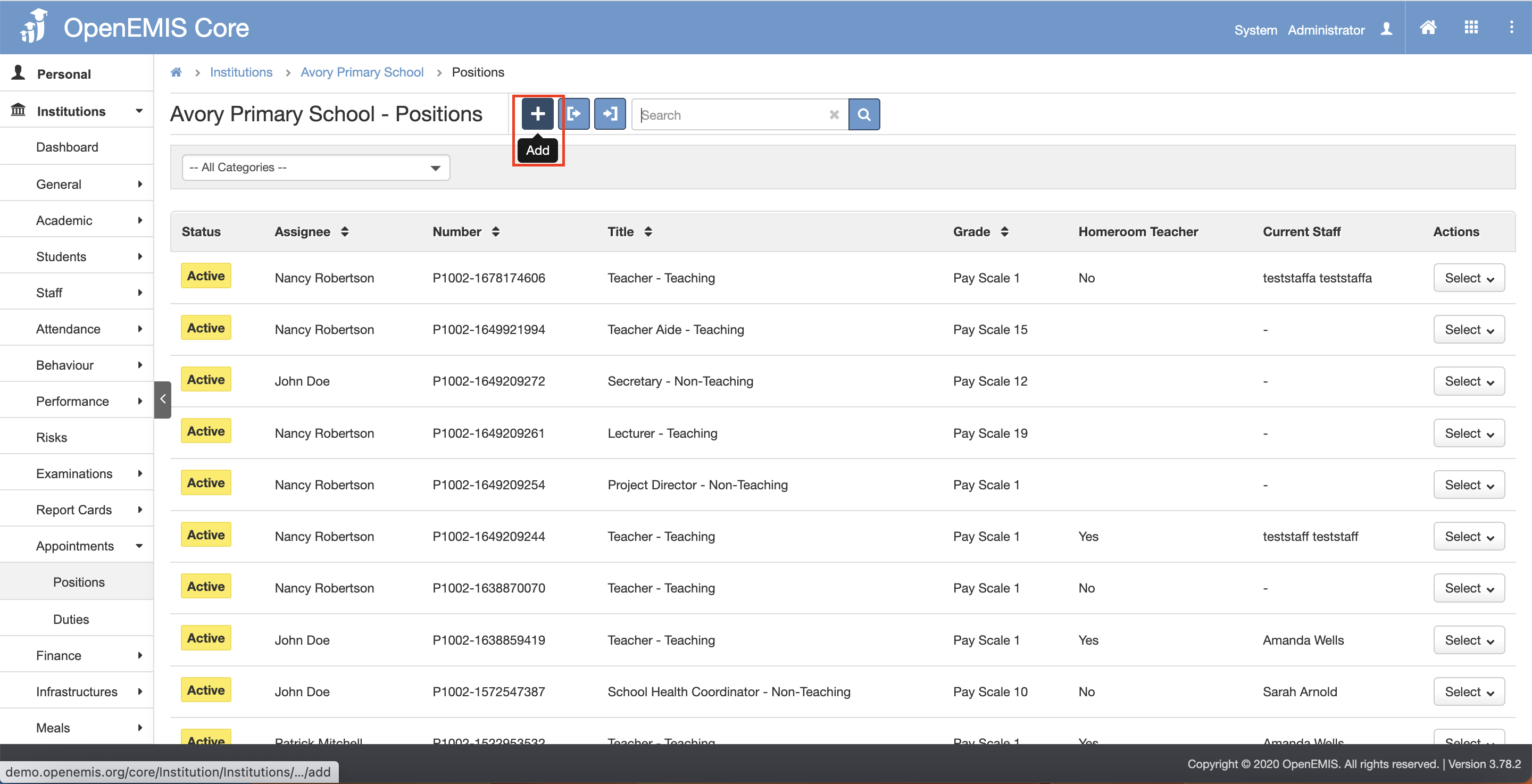
1. Navigate to Institutions > Appointments > Positions page.
2. Click the “Add” button.
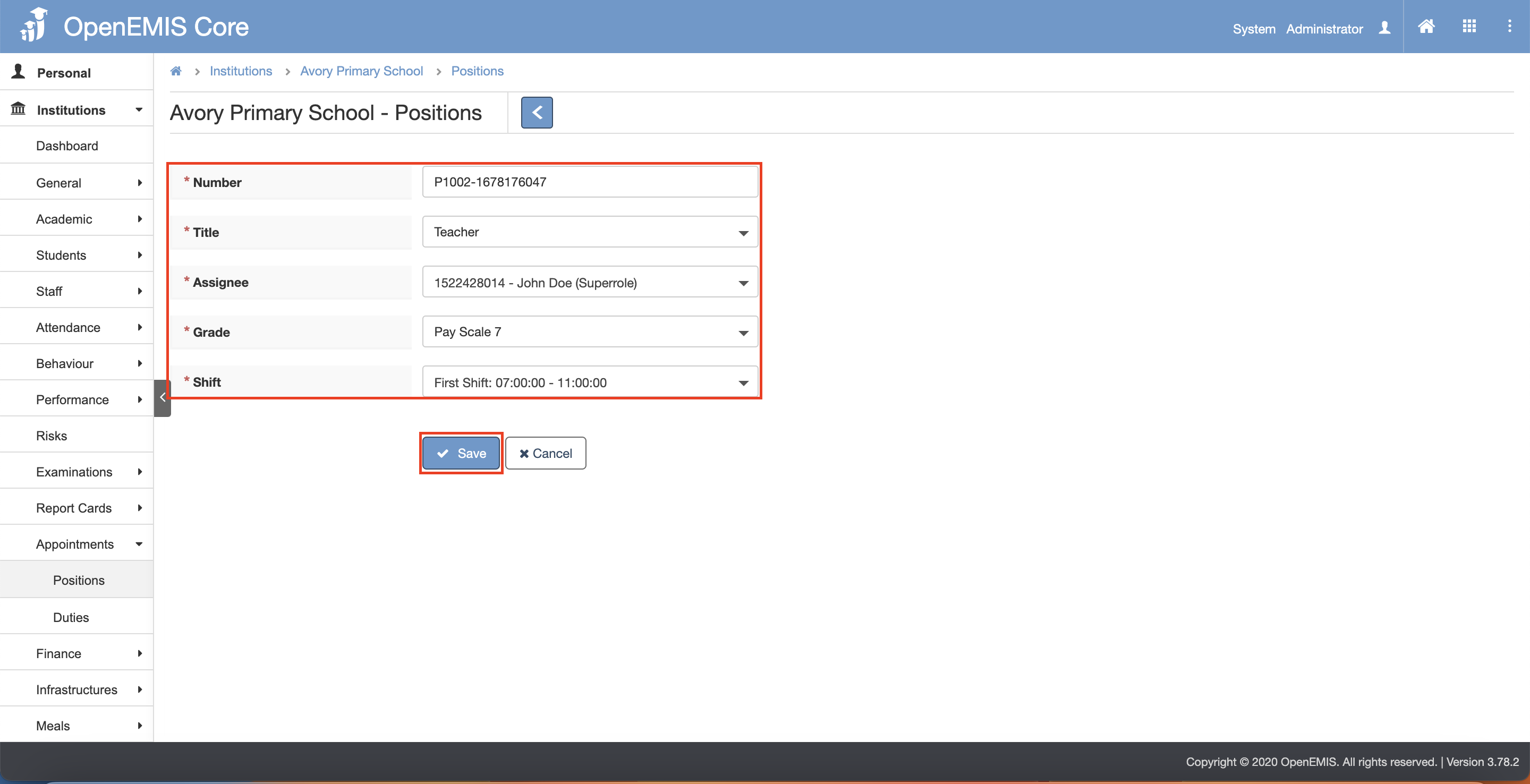
3. Fill in the necessary and mandatory fields.
4. Click the “Save” button.
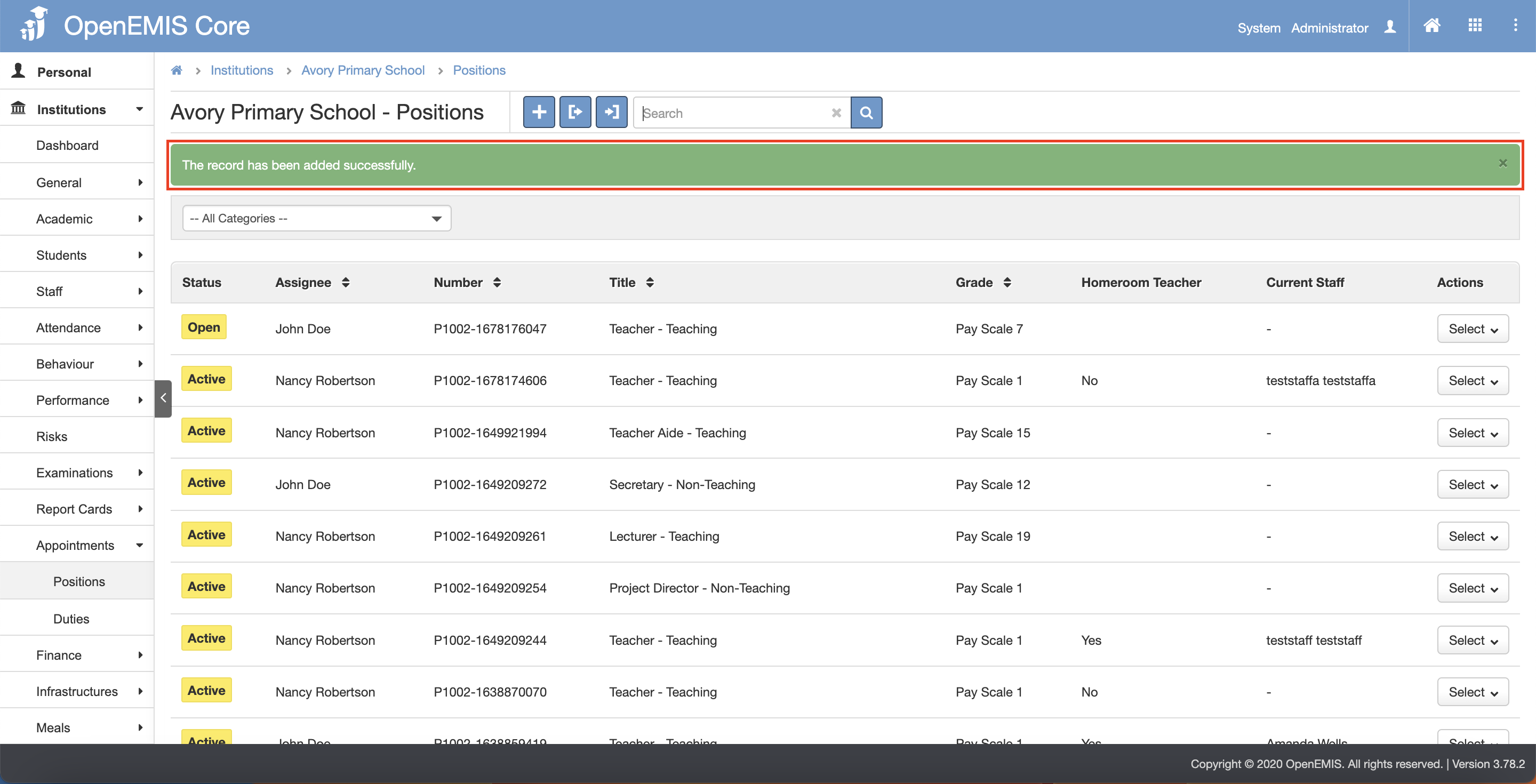
5. There will be a message showing that “The record has been added successfully.”.
Enabling Open positions to Active positions
- This features allow user to assign positions to staffs
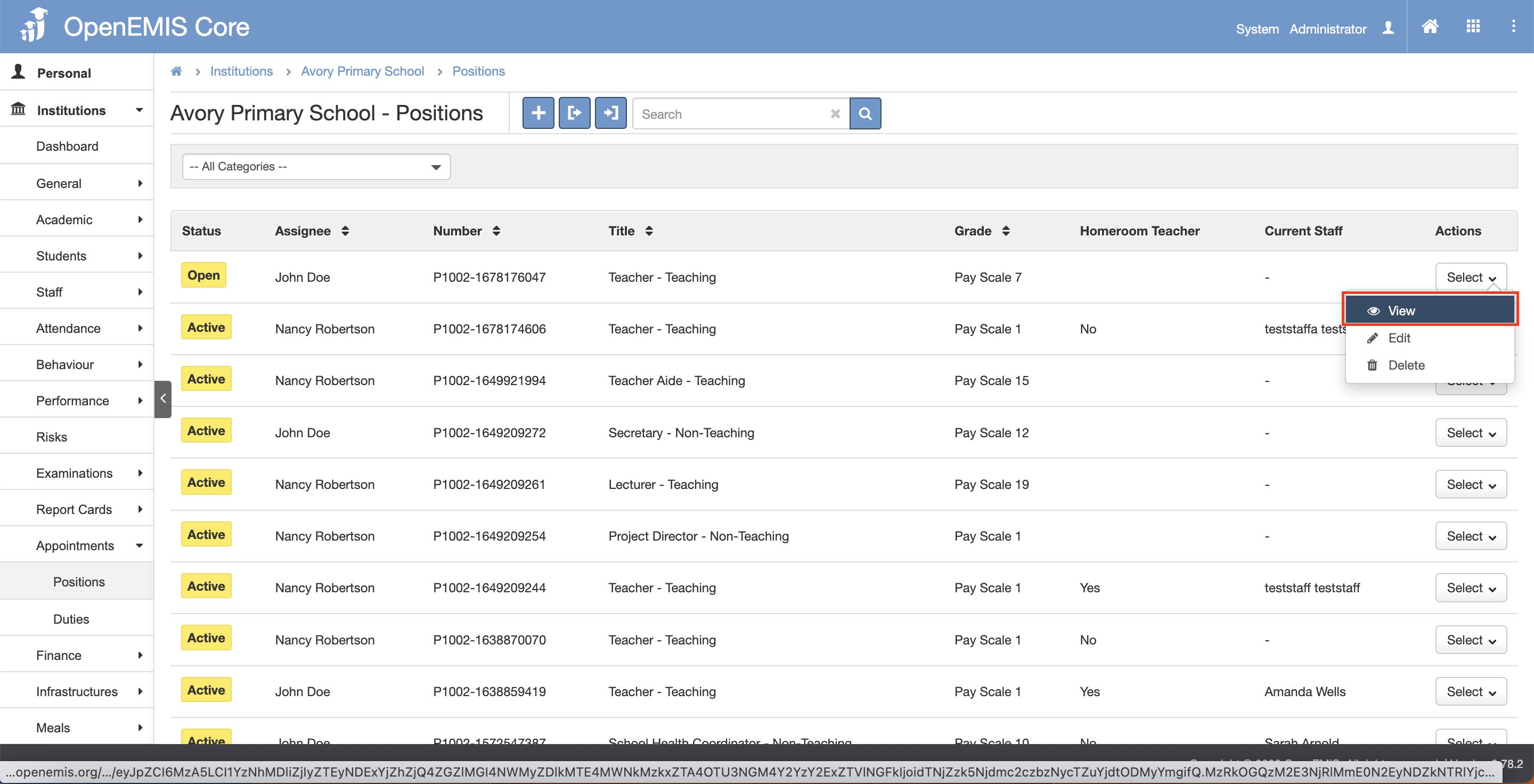
1. Navigate to Institutions > Appointments > Positions page
2. Under the Open status position, click the Select button.
3. Click the “Edit” button.
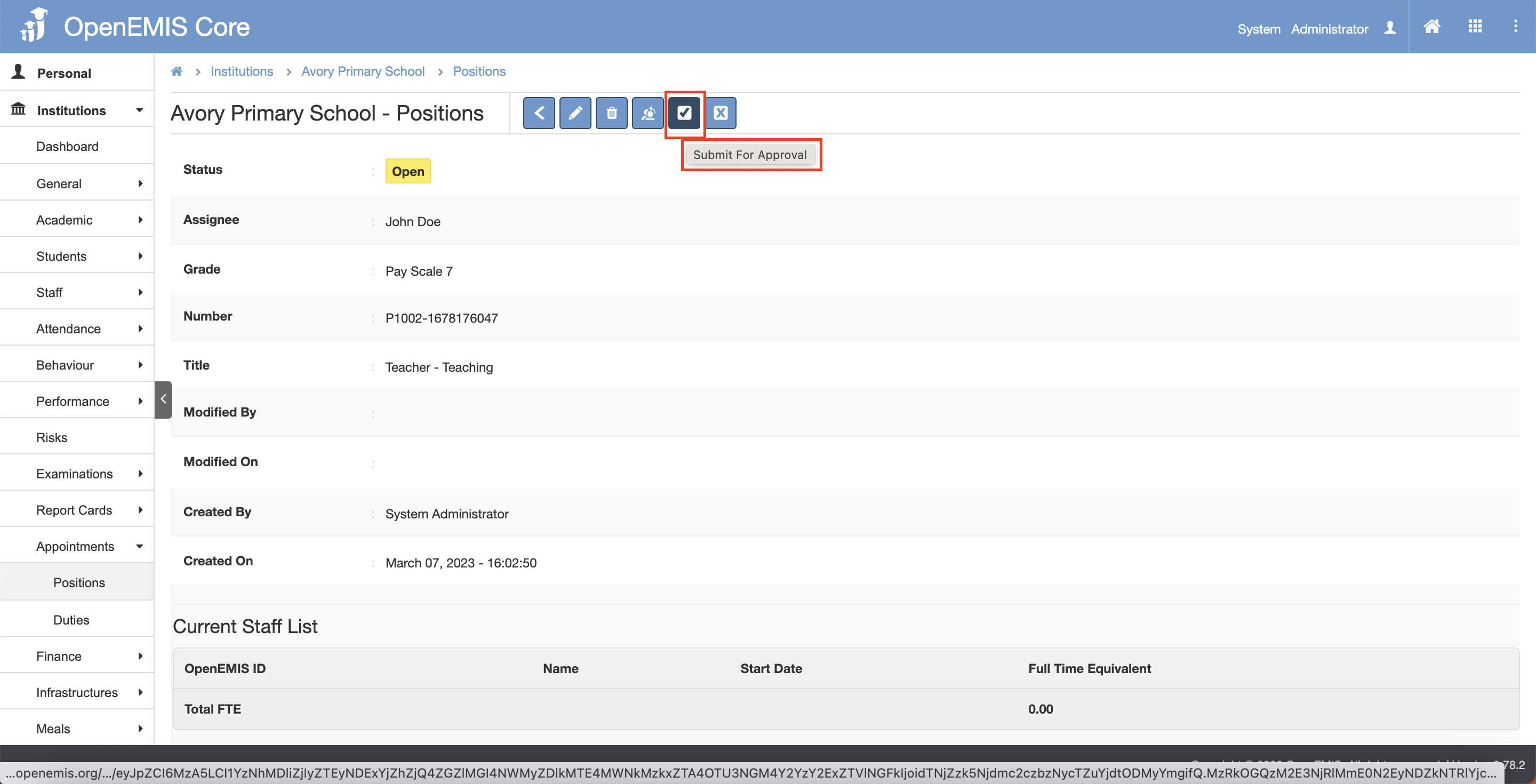
4. Click on the “Submit For Approval” button.
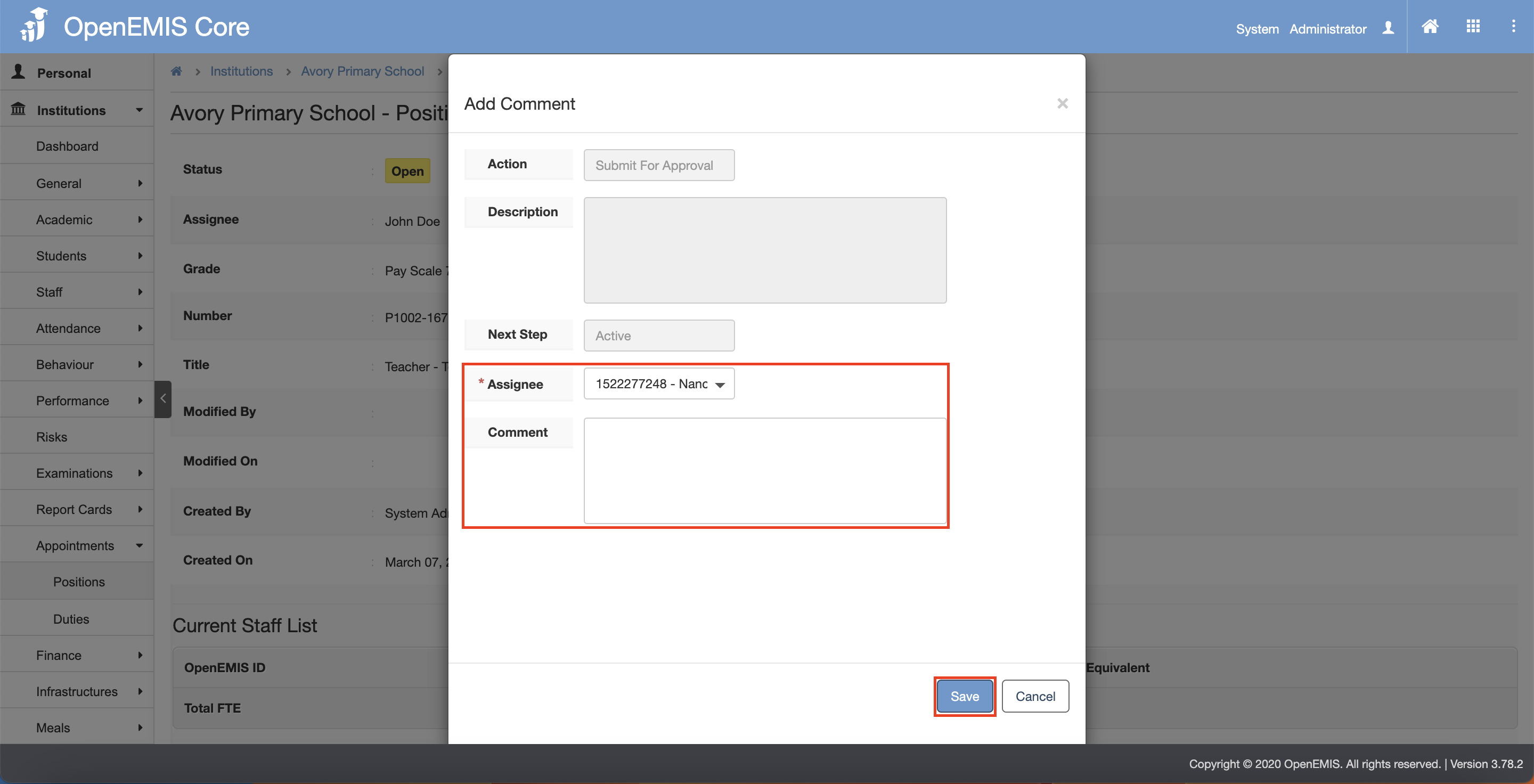
5. Select the Assignee and fill in the Comment field if required.
6. Click the “Save” button.
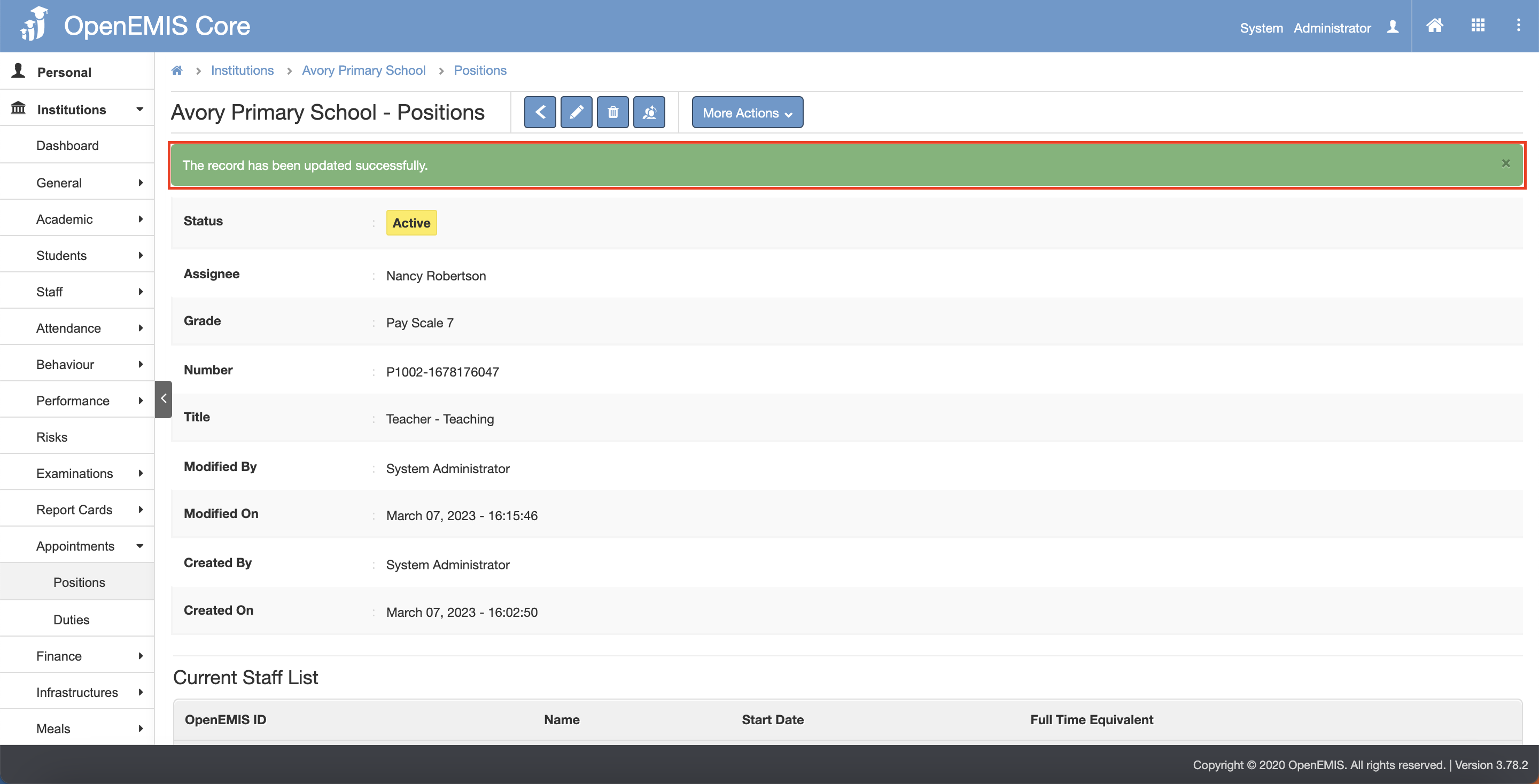
7. There will be a message showing that “The record has been updated successfully.”.