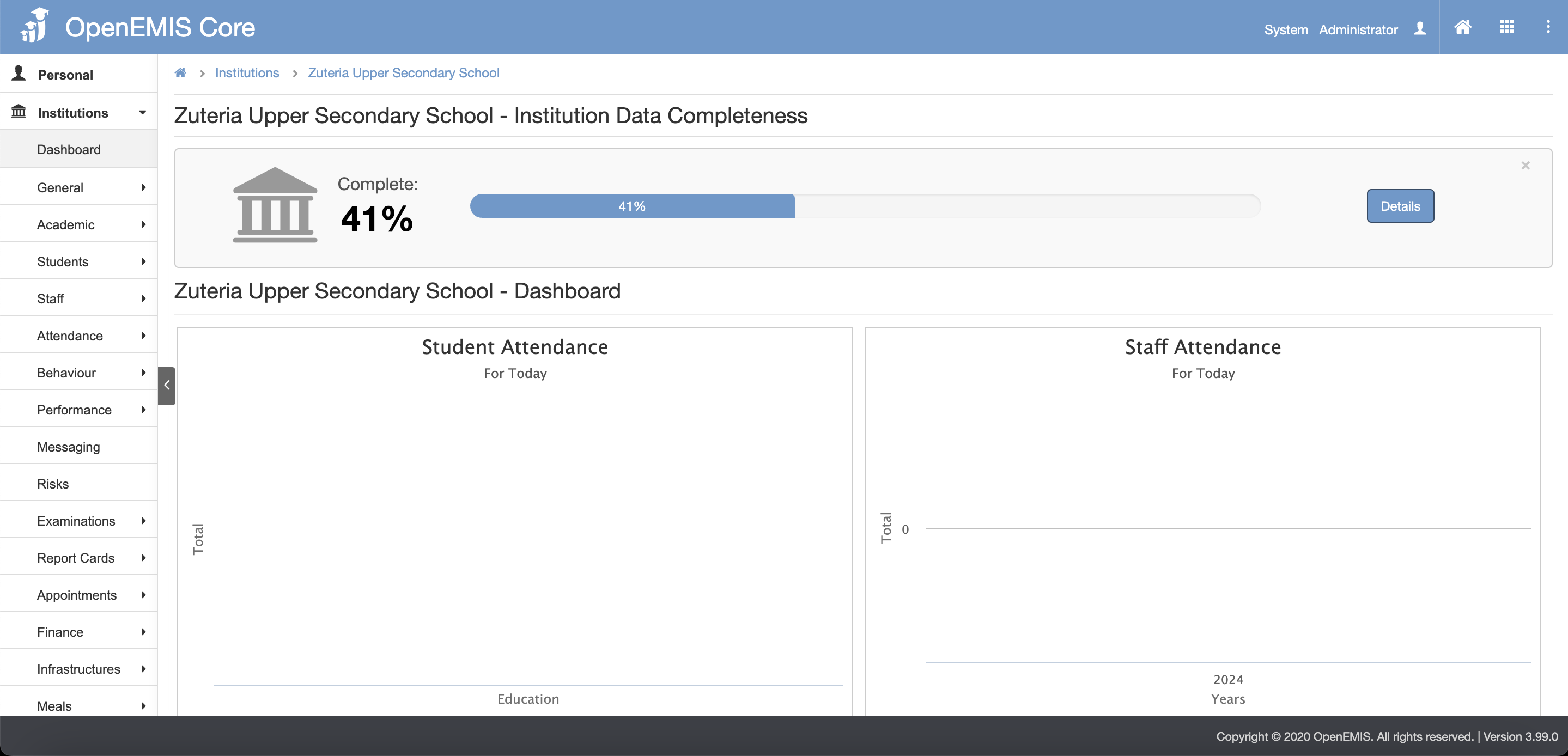
1. Go to Institutions tab then select the Institution.
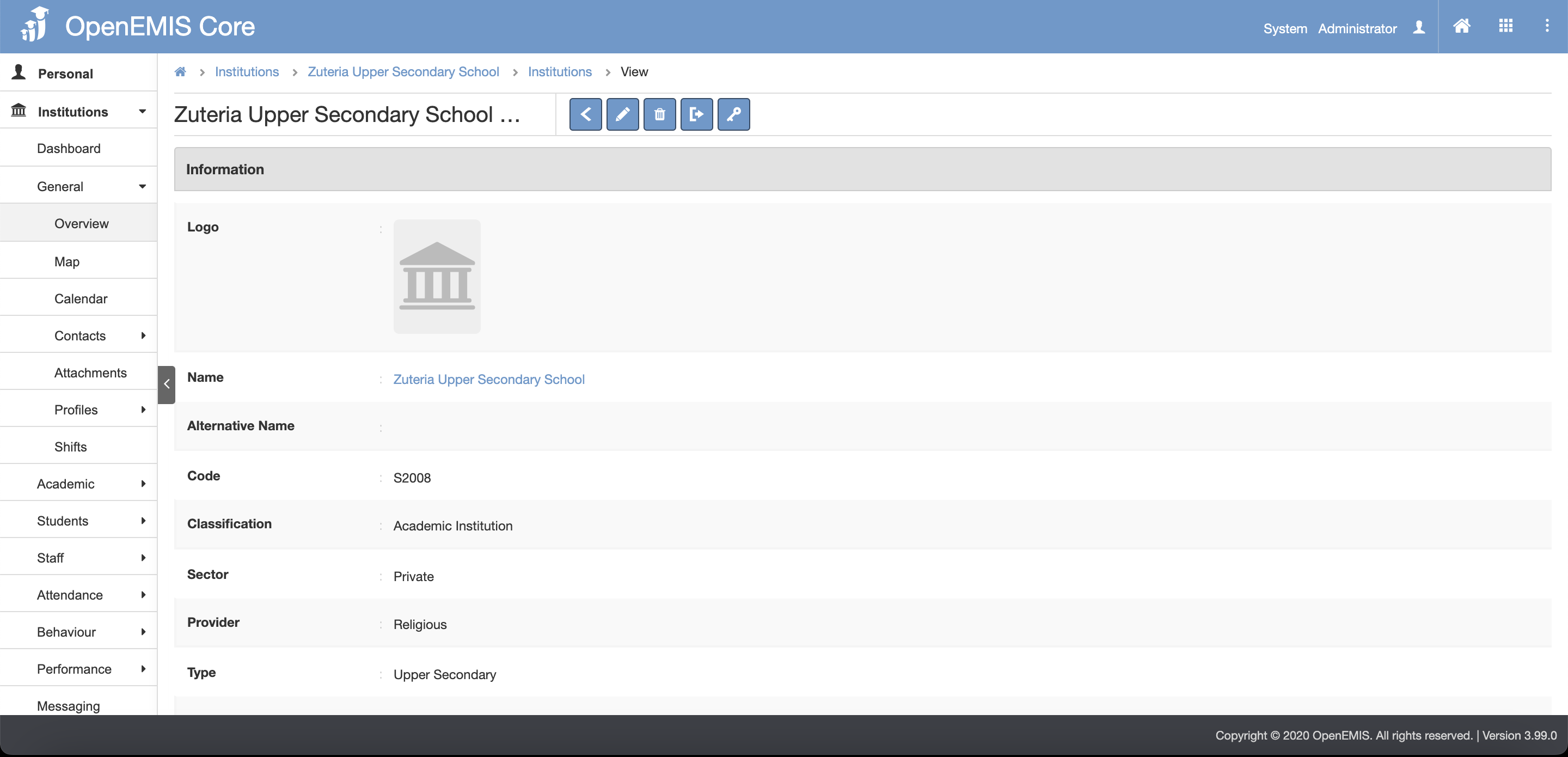
2. Click General tab then click Overview tab.
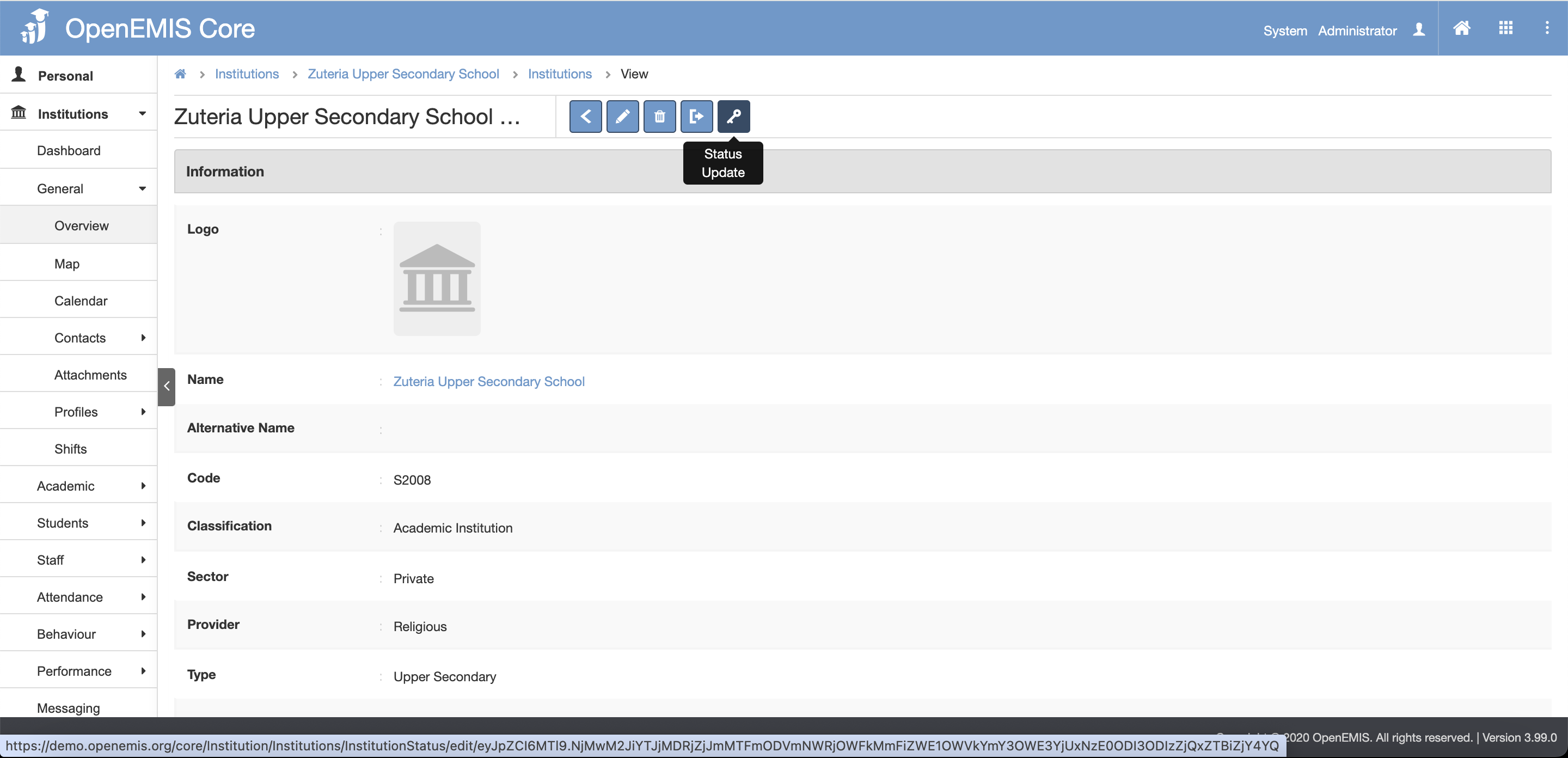
3. Select the Status Update button.
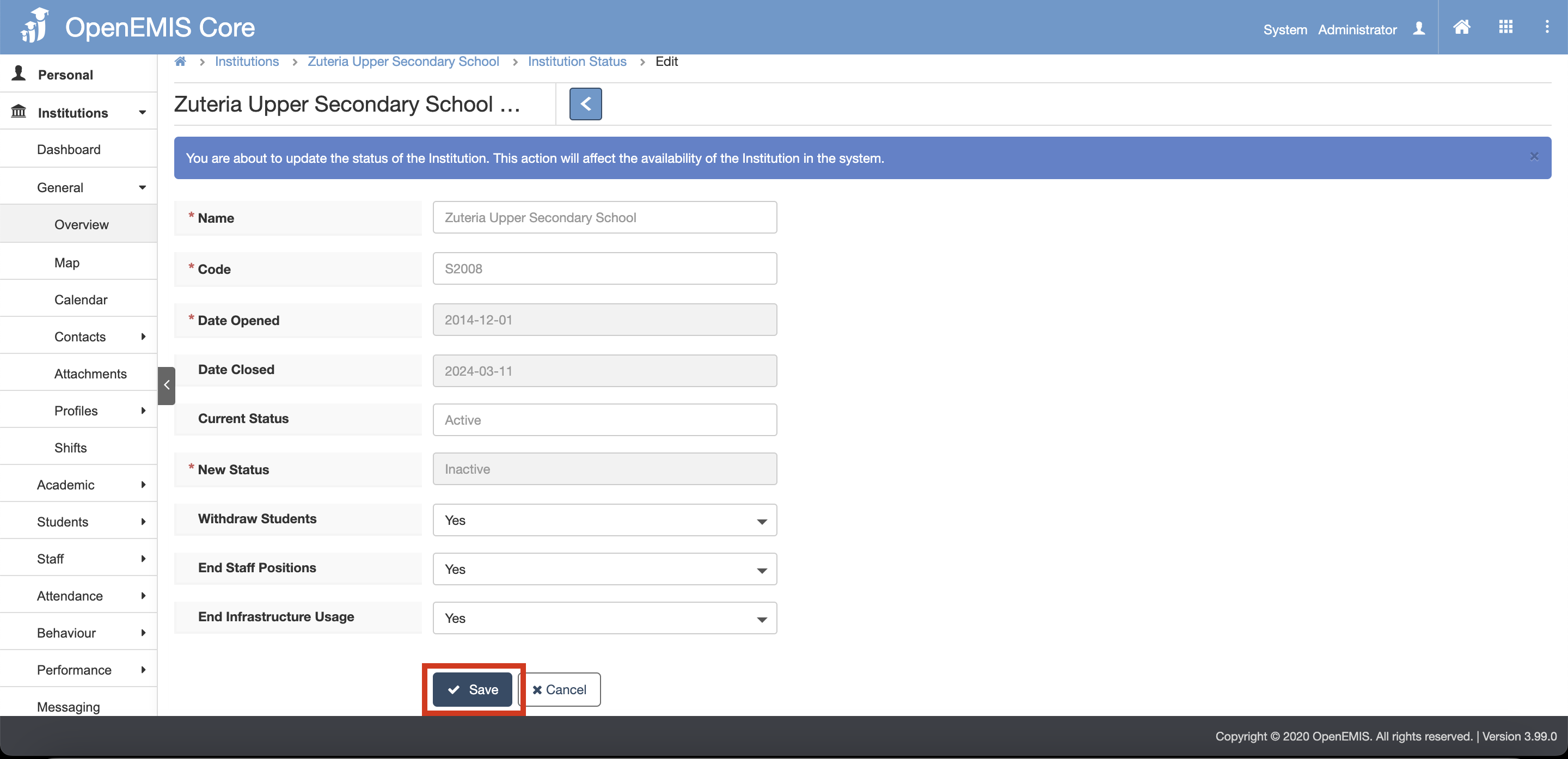
4. Select the dropdown options for the 3 fields:
- Withdraw Students:

- End Staff Positions:

- End Infrastructure Usage:

5. Click the Save button
6. There will be a message showing that records is saved successfully
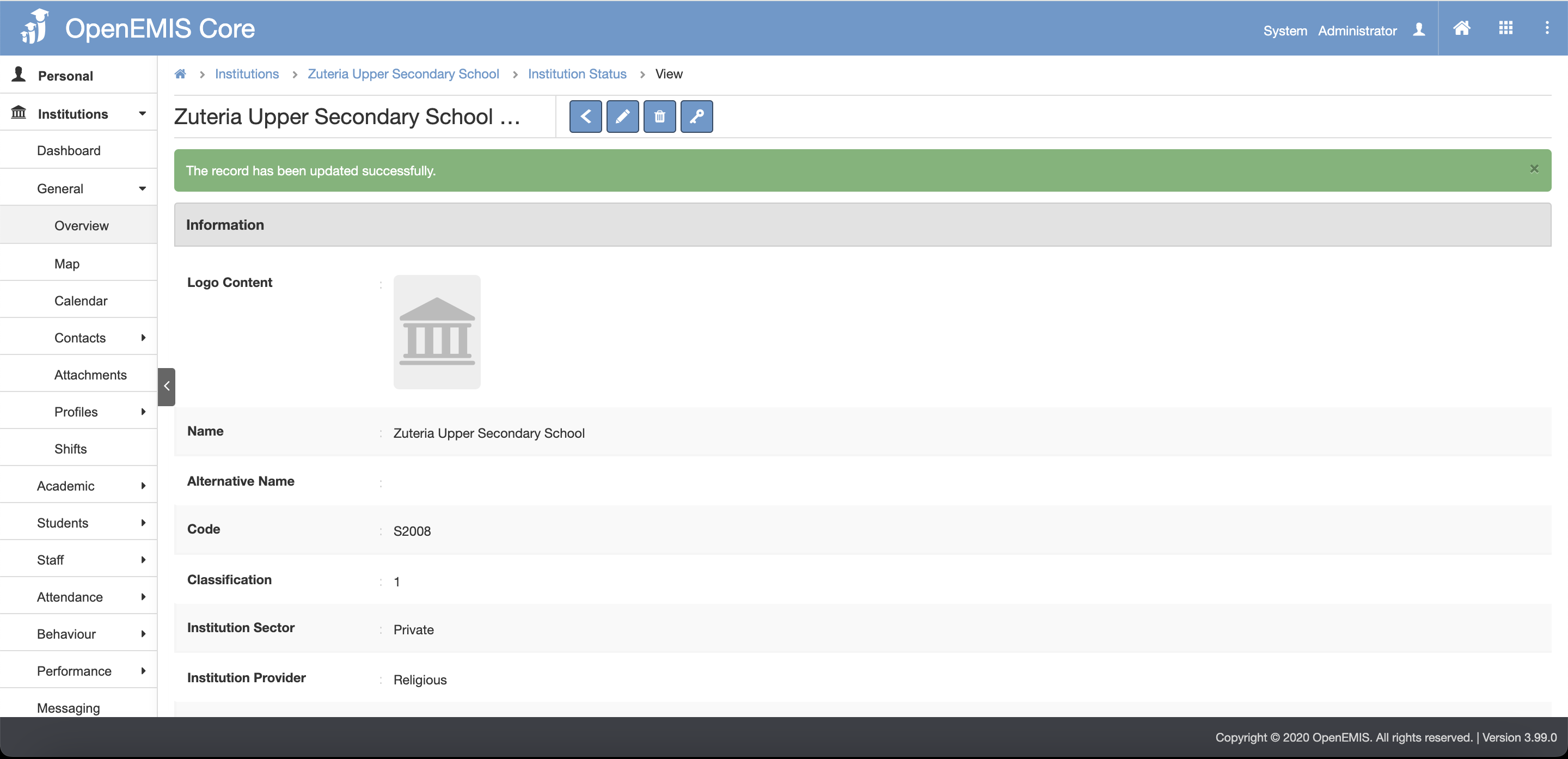
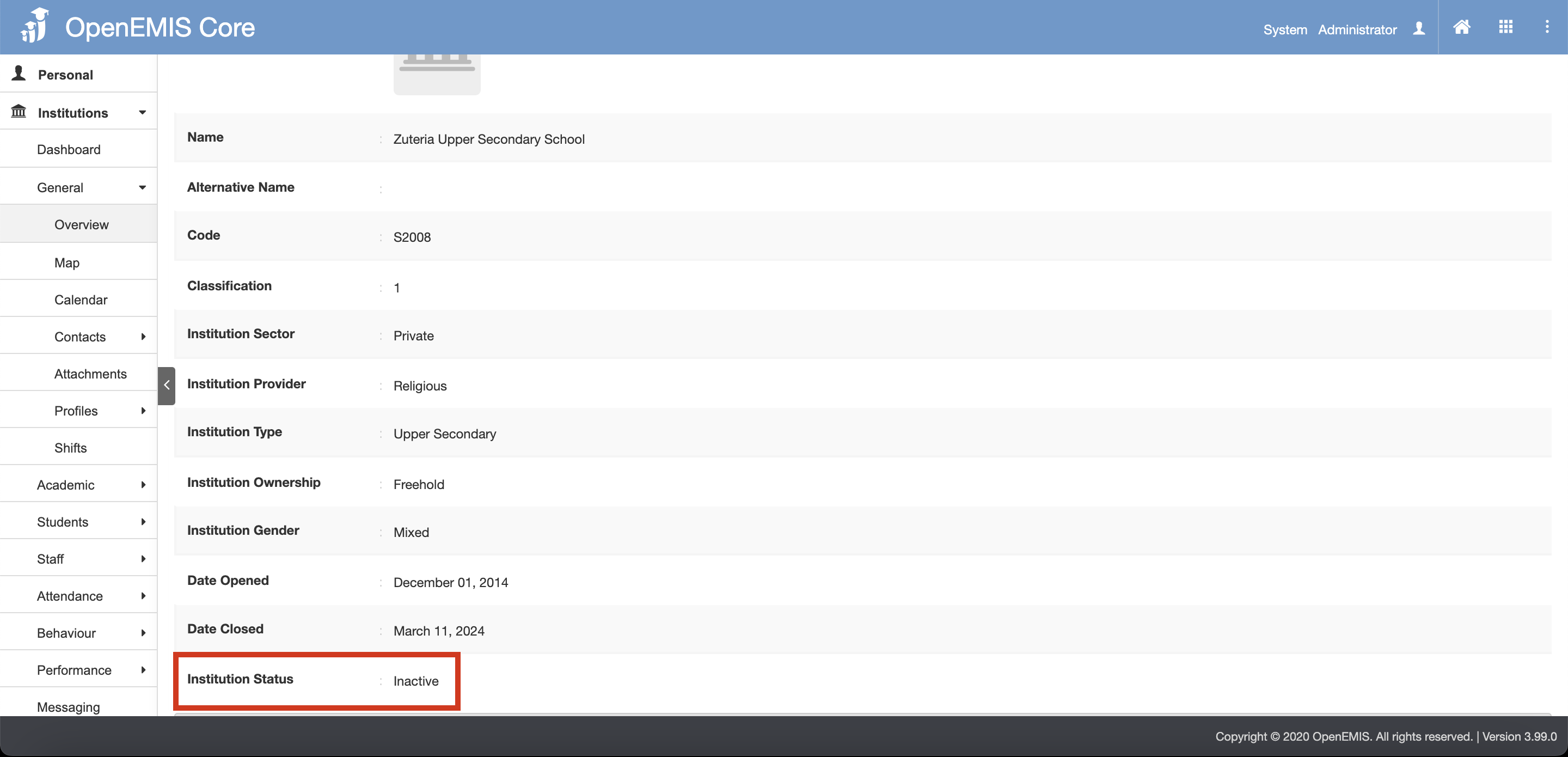
7. You can see that status is now changed to “Inactive” when you scroll down